How to Create Viral AI Dance Videos from a Single Image
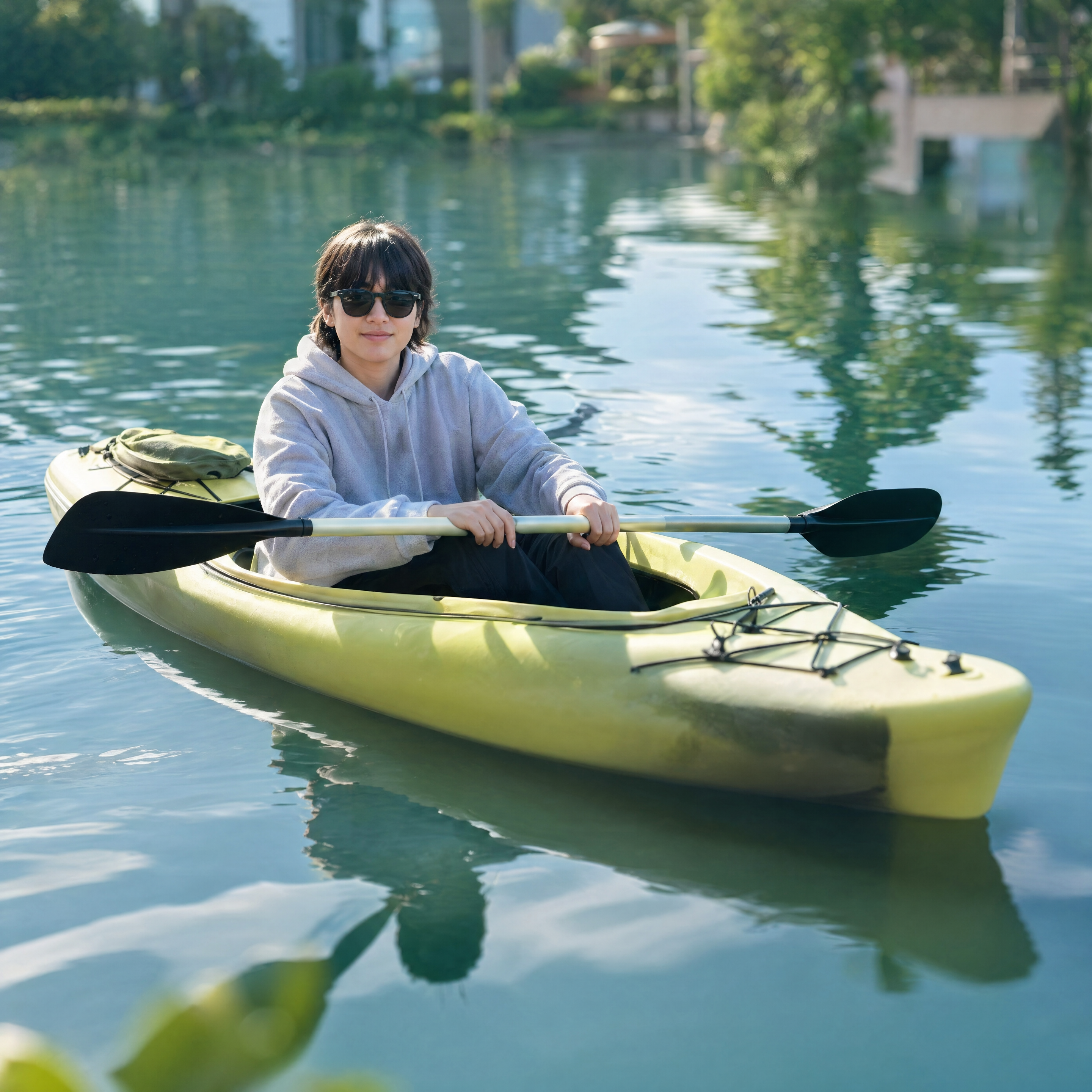
Turn any image into an engaging AI dance video in minutes with ThankYou AI.
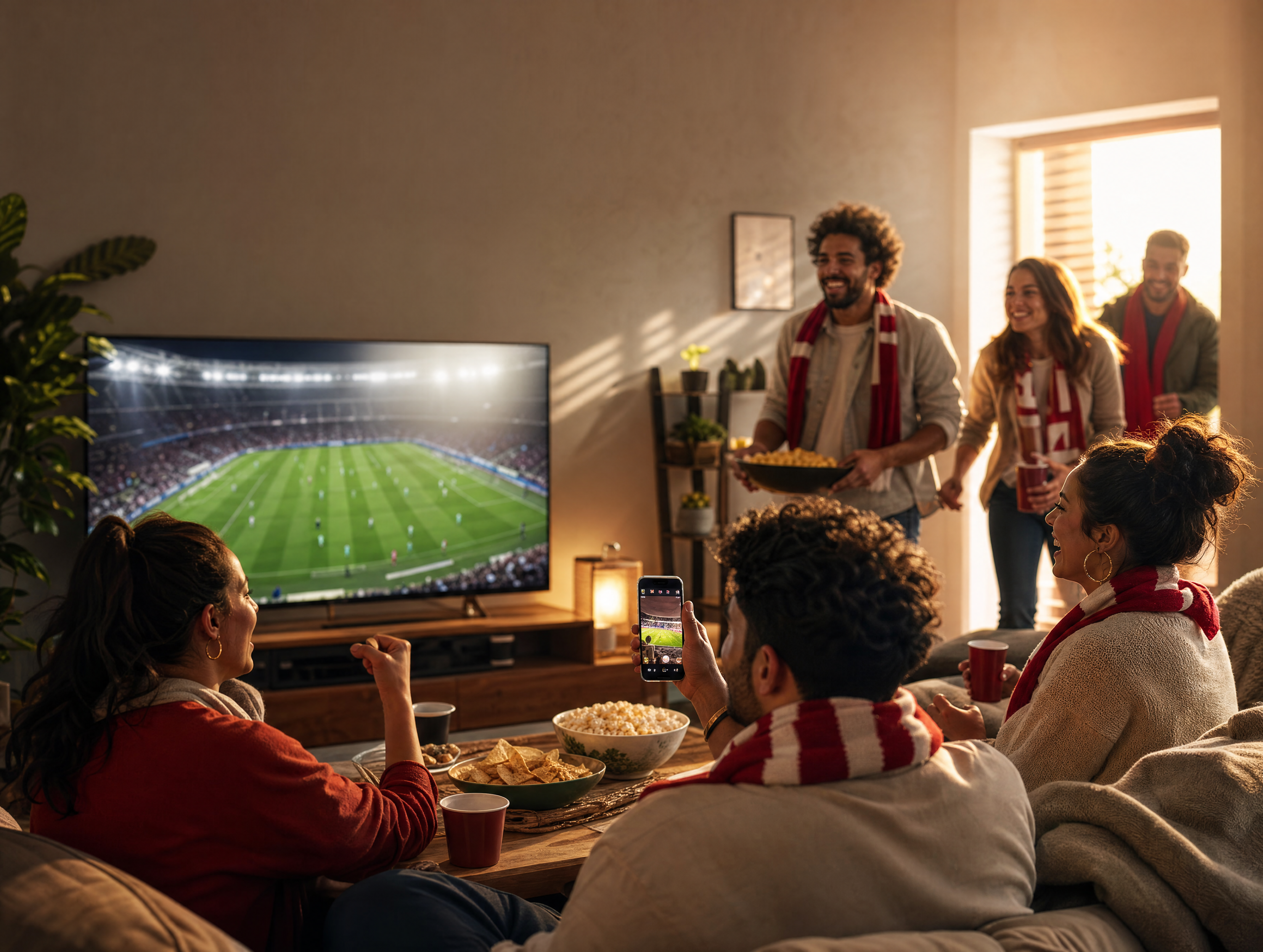
AI dance videos have become a staple of TikTok, Instagram Reels, and YouTube Shorts. Work that once demanded animation skills and a dedicated video editor now takes little more than a single image and the right workflow.
The Final Result
Here is what the finished product looks like. Everything below walks through how to get there, starting from one still image.
Why AI Dance Videos Perform So Well
AI generated dance videos are one of the fastest-growing formats on social media. Creators are using them for dancing cartoon characters, AI influencers, anime style routines, meme clips, and quick bursts of short form entertainment.
The reason they travel so far is simple: they are easy to watch and easy to share, which is exactly what short-form platforms reward. And reaching that point no longer requires motion-capture equipment, animation software, or any professional editing experience.
Step 1: Create Your Character
Everything begins with a character image. You have a few ways to get one:
- Generate a character with AI
- Upload an image you already have
- Build a stylized avatar
- Reuse a consistent character across a content series
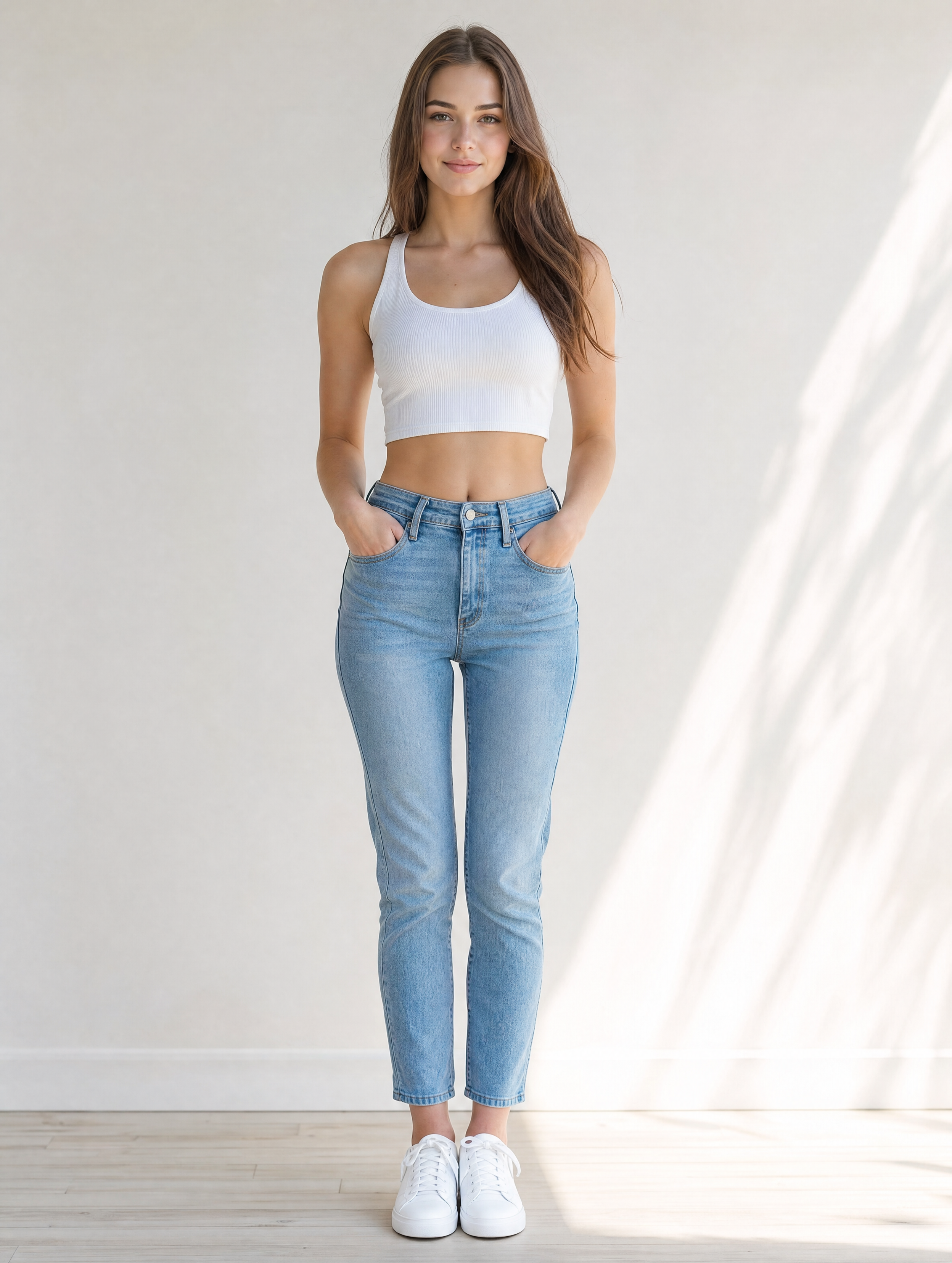
The character tends to carry the entire video, so it is worth getting right before you animate anything.
Step 2: Turn the Image into a Dance Video
Once the character is ready, upload it into ThankYou AI and generate the motion. The examples in this guide were made with Seedance 2.0, but that is only one of several video models on the platform. You can also choose Kling O3, Veo 3.1, and others, and switch between them depending on the look, quality, and render speed you are after.
Here is an example prompt:
Energetic dance performance,
smooth body movement,
dynamic camera motion,
vibrant stage lighting,
high-energy atmosphere
ThankYou AI animates the still image into a dancing character while keeping the design consistent from frame to frame. The whole process usually takes only a few minutes.
Want to try this on your own image? Sign up with extra 100 credits →
Step 3: Experiment with Different Dance Styles
One of the simplest ways to get more out of a single character is to run it through different dance styles. Both clips below were generated from the same image with the Seedance 2.0 model — the only thing that changed was the prompt. Feel free to copy either one as a starting point.
Hip-Hop Dance
Prompt
An energetic dancer performing hardcore hip-hop against an urban street backdrop. Loose streetwear (hoodie, cargo pants, and sneakers), with powerful, rhythmic movement: tight grooves, sharp freezes, and fluid body isolations. A graffiti-covered brick wall behind, cinematic high-contrast lighting with dynamic stage and neon accents. Handheld camera with fast cuts, push-ins, and low-angle shots timed to the beat, catching the impact of every move. Ultra-sharp image quality, full of street-culture energy.
K-Pop Dance
Prompt
An energetic K-pop idol performing a sharp, high-impact routine on a neon-lit modern city stage. Dynamic tracking shots and fast cuts follow smooth, precise choreography, with signature freeze poses and expressive hand gestures. Bold sequined streetwear, vivid hair color, and polished makeup. A backdrop of cyberpunk-style LED screens flickering and shifting to the beat. High color saturation, strong light-and-shadow contrast, and a 4K, professional music-video finish.
A different prompt and a different style can reshape the entire mood of a video, even when nothing about the character itself has changed.
Step 4: Add Music and Final Touches
A dance video is not finished until it has sound. Inside ThankYou AI you can add the audio without leaving the platform:
- Background music
- Sound effects
- Voiceovers
- Audio enhancements
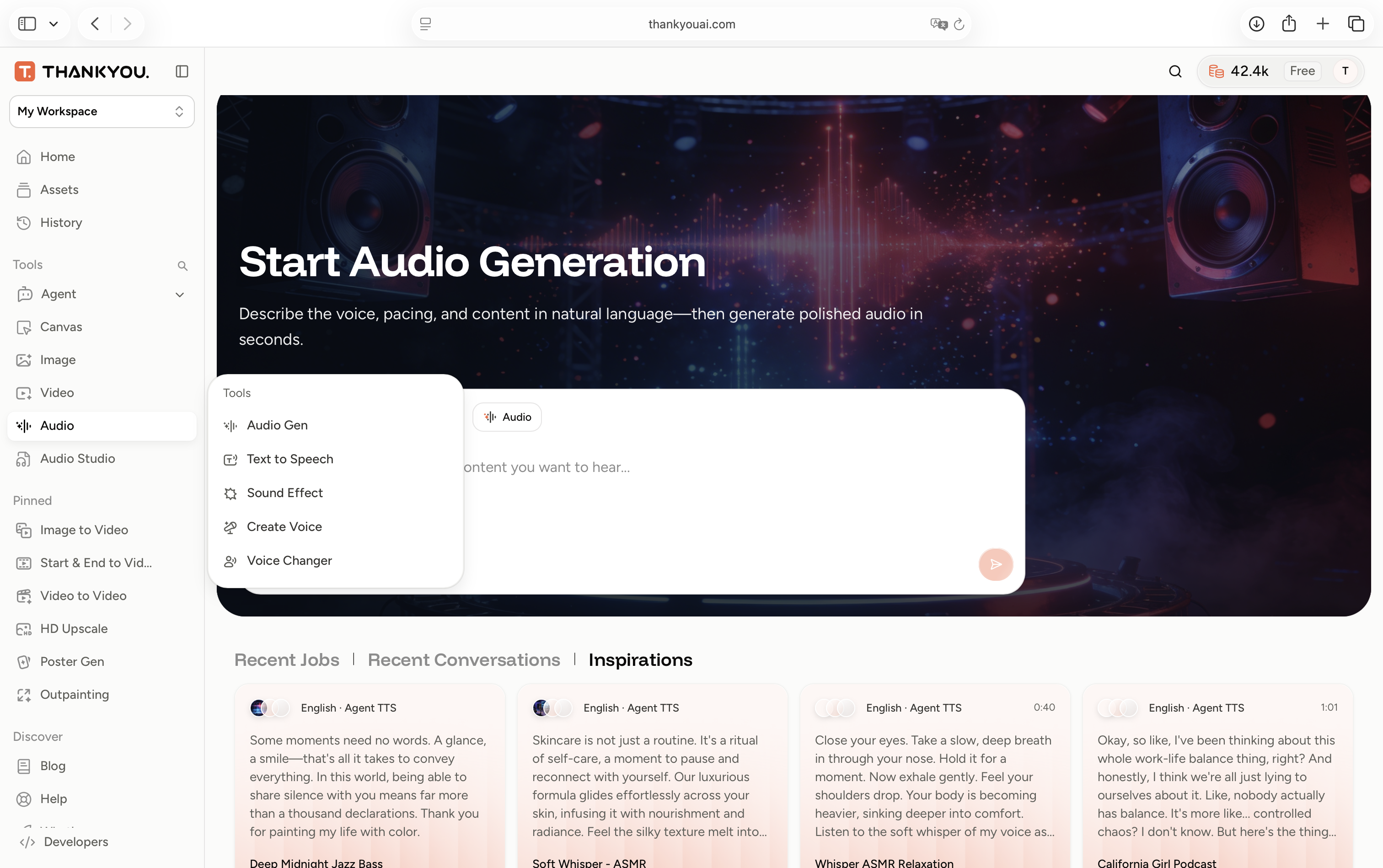
Keeping the full process in one place speeds up production and removes the friction of jumping between separate tools.
From a Single Image to a Stream of Content
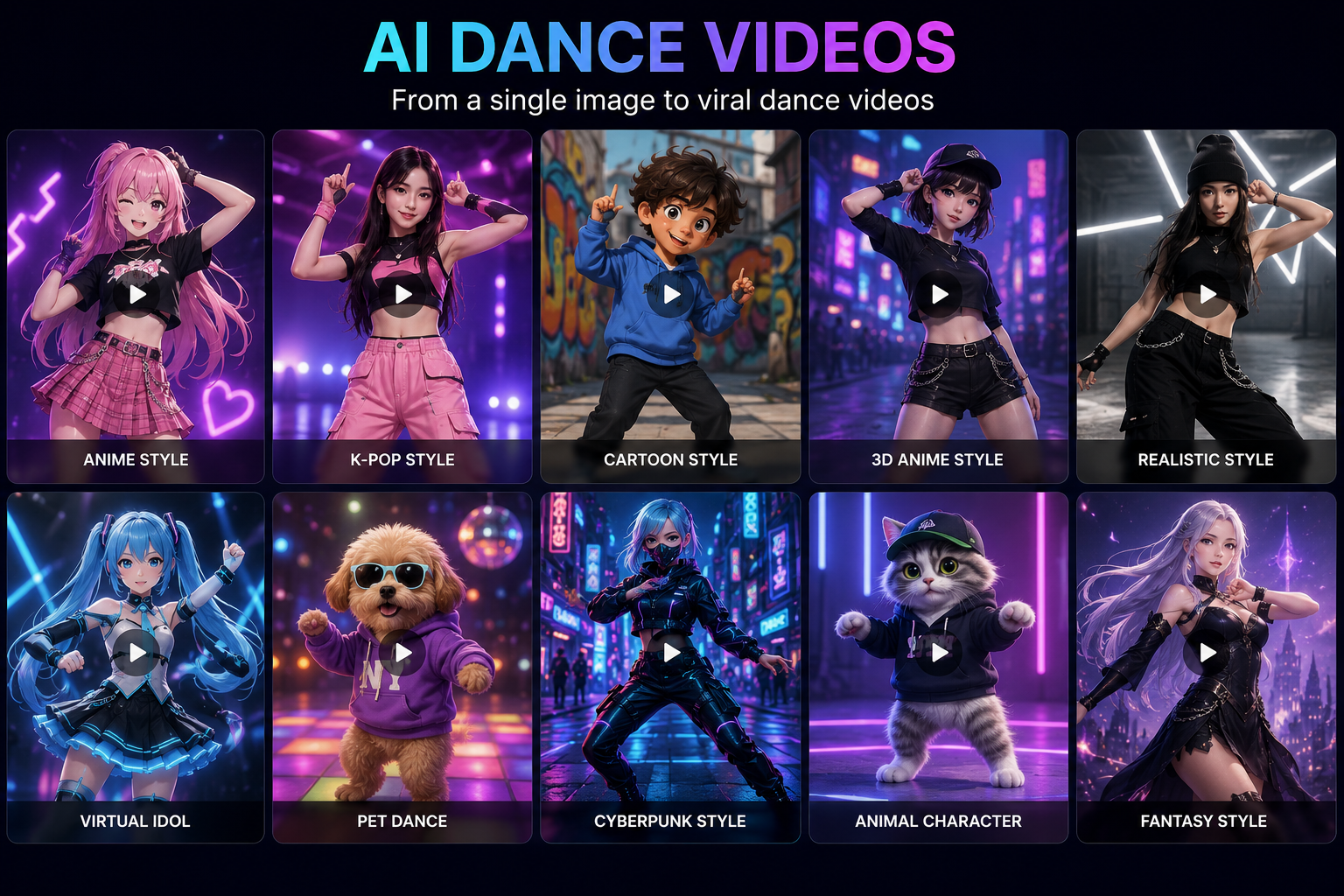
A single image can become far more than one clip. Anime characters, virtual influencers, stylized avatars, cartoon personalities — each can be animated into something ready to publish.
The styles shown above are only a sample of what one still image can turn into. The same workflow produces content suited to:
- TikTok
- Instagram Reels
- YouTube Shorts
- Marketing campaigns
- Content-creator brands
- Virtual character projects
Why Creators Use ThankYou AI
Most AI creators end up juggling several tools at once: one for image generation, another for video, a third for audio, and something else to hold the workflow together.
ThankYou AI brings those pieces into a single platform. Instead of managing separate subscriptions and disconnected steps, creators can move from idea to finished video in one place.
Key Benefits
- AI image generation
- Multiple AI video models, including Seedance 2.0, Kling O3, and Veo 3.1
- Audio tools and enhancements
- Agent-powered workflows
- Faster content production Our mission is straightforward:
Make professional AI creation easy.
Start Creating Your Own AI Dance Videos
Whether you are building a content brand, exploring AI as a creative tool, or chasing your first viral clip, an AI dance video is one of the fastest ways to turn a simple idea into something people genuinely want to watch.
Create your first one in ThankYou AI, and see how quickly a single image becomes a finished piece of content.
Ready to make your first AI dance video? Sign up with extra 100 credits →
Frank is a growth-focused operations and marketing professional with expertise in product data engineering. He specializes in turning user insights into scalable growth strategies. At THANKYOU AI, he leads operations, marketing, and growth efforts, leveraging data to shape product decisions and connect innovation with the audiences that need it most.