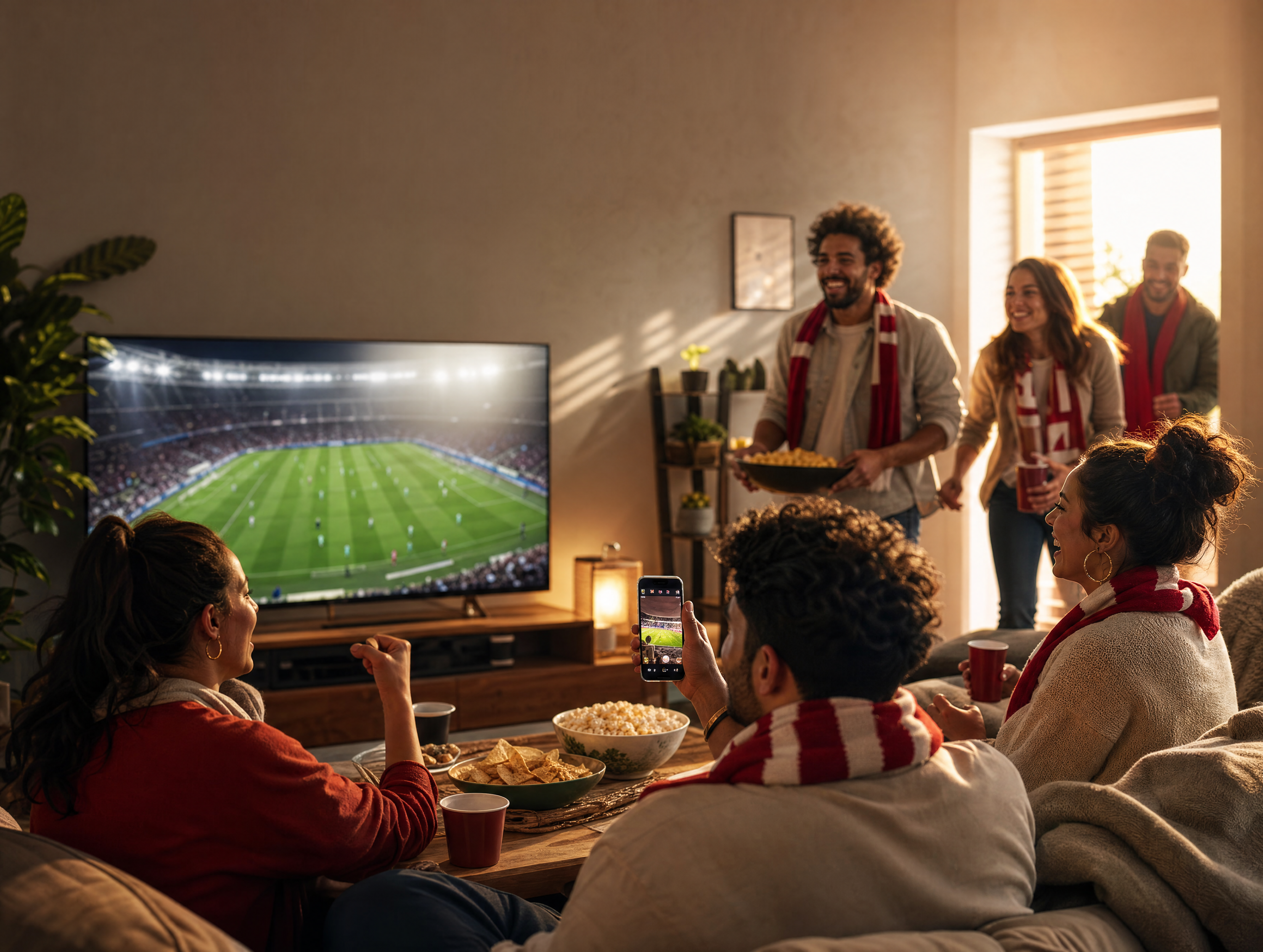
Feature Release: Introducing GPT Image 2 on THANKYOU AI
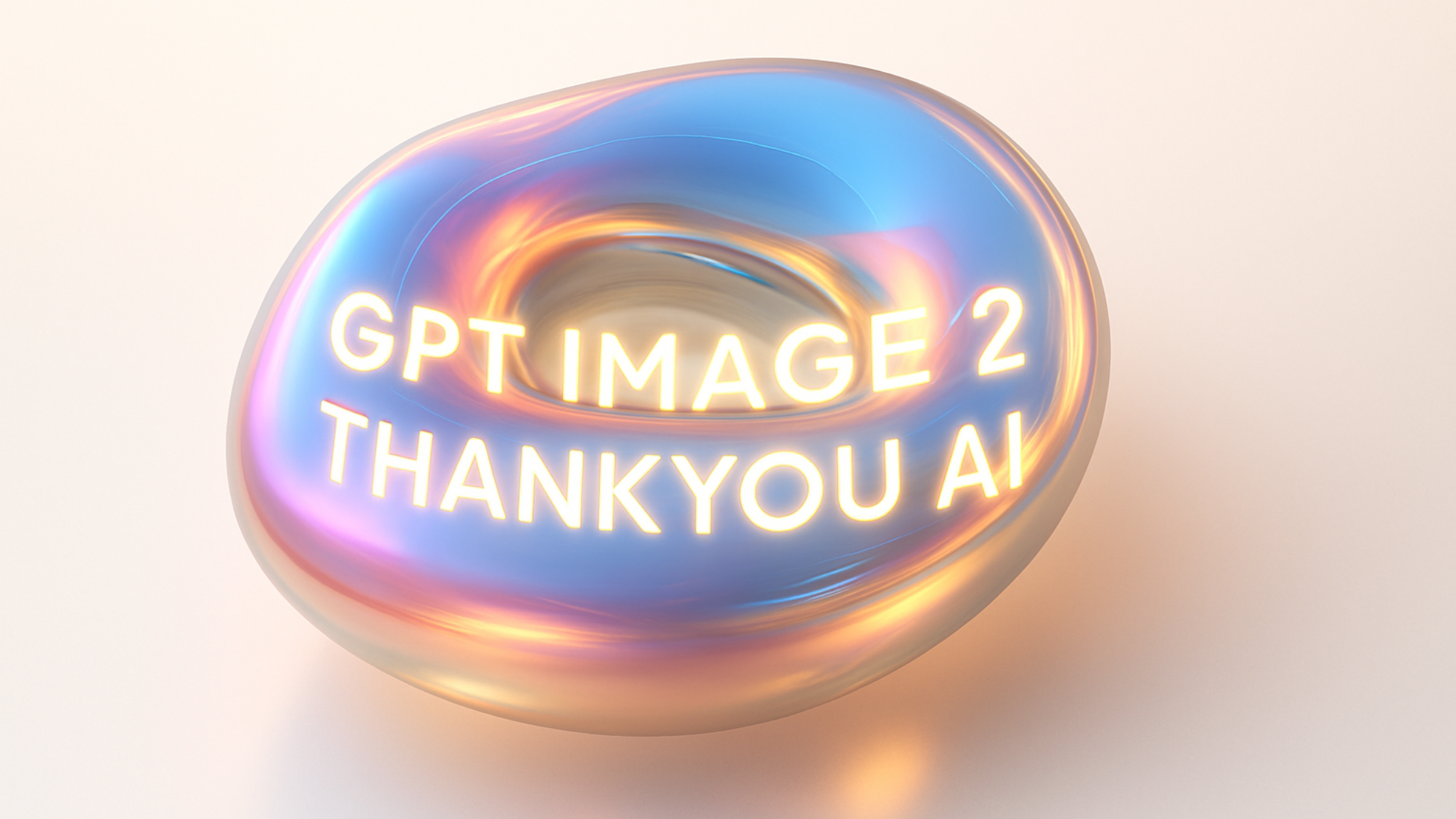
At THANKYOU AI, we intend to allow creators the most innovative capabilities. We believe there exists a huge opportunity for us to fill the void between what can be imagined and what can become real. Thank you AI is excited to announce today that GPT Image 2 — OpenAI's most recent advancements of text-to-image capability — will soon integrate into our system. With this integration, THANKYOU AI will provide its users, using their current workflow (as it stands), immediate access to enhanced image clarity, better text representation, and better overall aesthetic visual quality.
Start Generating with GPT Image 2
What Is GPT Image 2?
GPT IMAGE 2 is OpenAi's new and best image generation model launched by OpenAi in April of 2026. This will be the first version of GPT Image after GPT Image 1.5. This is not simply an updated version; this is an entire new generation. 99% + Accuracy for all images created using Text Rendering. Eliminates the "warm yellow" color cast which has been present on previous OpenAi image models. Higher Native Resolutions are supported now (i.e., 16:9 widescreen). Character Consistency Across Multiple Generations is also available.
Thank you AI Users have immediate access to GPT Image 2. No additional configuration needed.
The OpenAI Image Generation Timeline
To understand why this release matters, it helps to see where GPT Image 2 sits in OpenAI's product lineage:
| Date | Milestone | What it meant |
|---|---|---|
| 2022–2024 | DALL-E 2 and DALL-E 3 | Set the early standard for diffusion-based image generation |
| March 2025 | GPT Image 1 | First native image generation built directly into ChatGPT, replacing DALL-E as the default |
| December 2025 | GPT Image 1.5 | Faster generation, improved in-context editing |
| April 2026 | GPT Image 2 | Production-ready text rendering, accurate color, character consistency, higher resolution |
| May 2026 | DALL-E 2 / DALL-E 3 sunset | All legacy DALL-E API users migrate to the new generation |
GPT Image 2 is the model OpenAI is positioning as production-grade infrastructure rather than a creative novelty — and it is now live on THANKYOU AI.
Reframing Precision and Prompts Followed Correctly
The GPT image 2 model has been created with an advanced level of accuracy for interpreting nuances in human spoken language. In contrast, earlier versions of these types of models may have ignored particular descriptions when generating images based upon those descriptions. As a result, the GPT image 2 model performs better than previous models for producing complex images from directions containing multiple elements.
- Spacial Orientation: A more accurate interpretation of objects being placed in relation to one another (i.e. "behind", "left of", etc.)
- Multiple Subject Scene Composition: Ability to create a scene involving many different subjects without compromising either the anatomy or structure of each subject.
- Multifaceted Directions: Directional content including compositional direction (e.g., product located in bottom third), editorial lighting/shallow DOF, or subject standing behind a desk with a window to the left can be reliably implemented after the first or second attempts (not the fifth).
Breakthrough in Text Rendering
One of the most significant upgrades in this version is the ability to generate legible and accurate text within images. GPT Image 2 reaches 99%+ accuracy on rendered text — including full support for Chinese, Japanese, and Korean characters, which previous models routinely garbled.
Whether you are designing book covers, movie posters, menus, infographics, or branded social content, GPT Image 2 minimizes the spelling errors and stylistic inconsistencies that previously plagued AI-generated imagery. You can now confidently include specific quotes, titles, headlines, CTAs, or signs in your prompts and trust the model to render them with professional-grade typography.
Increased Photorealism and Style Options
A complete overhaul of the aesthetics engine was undertaken to enhance photorealistic capabilities through increased texture quality, improved lighting and removed the constant yellowish tint from GPT image 1 and 1.5; replaced by a consistent color representation -- even if it's a minor change its effects are substantial as regards branding consistency and potential commercial applications.
- Realistic Skin Textures: Improved skin texture, eye reflection and natural shadowing for better realism when using AI generated portraits.
- Style Options: The ability to generate images based on specific styles (e.g., oil painting) while also providing greater accuracy in terms of both historical and technical aspects than previous models.
- Increased Resolution Support: Ability to natively produce resolutions above the 1536 x 1024 limit of GPT Image 1.5 along with the added option of generating widescreen images at a 16:9 aspect ratio for use in print, large format displays or other commercial uses.
Character Consistency Across Scenes
A long-standing limitation of AI image generation has been keeping a single character looking like the same person across multiple images. GPT Image 2 introduces character locking — consistent facial features, clothing, and expression across different poses, scenes, and compositions.
For brand teams, this means a recurring mascot or model can carry across an entire campaign. For storytellers and creators, it means you can finally produce sequential art, storyboards, and visual narratives without each frame looking like a different person.
GPT Image 2 vs GPT Image 1.5: What Actually Changed
| Capability | GPT Image 1.5 | GPT Image 2 |
|---|---|---|
| Text rendering | Inconsistent, especially with longer text | 99%+ accuracy, including CJK characters |
| Color accuracy | Warm yellow tint on many outputs | Neutral, accurate color reproduction |
| Max resolution | 1536×1024 | Higher native resolution, 16:9 widescreen support |
| Character consistency | Inconsistent across generations | Character locking across scenes |
| Complex scenes | Occlusion and misplacement with multiple objects | Significantly improved multi-layer composition |
| Prompt following | Loose interpretation of complex instructions | Strong adherence to multi-part prompts and spatial direction |
Mastering OpenAI Image 2.0: Guide & Sample Prompts
To unlock the full potential of OpenAI Image 2.0, we recommend moving beyond simple keywords and adopting a structured narrative approach.
Start Generating with GPT Image 2 on THANKYOU AI
Key Elements for a Strong Prompt (The 6 Building Blocks)
To create a solid prompt that will get all aspects of your vision into the final image, each element below needs to be included in some way.
- Environment/Scene: Create the background.
- Object/Person: Define the subject you want.
- Materials, Textures & Patterns: Include as much detail about what things look like.
- Camera Position/Angle/Framing: Tell it how to frame everything.
- Light Quality/Mood/Tone: Define how you want it to feel.
- Avoid/Don't Use: Clearly define what NOT to do or include.
Ready-to-Use Sample Prompts
1. Photorealistic Portraits & Scenes
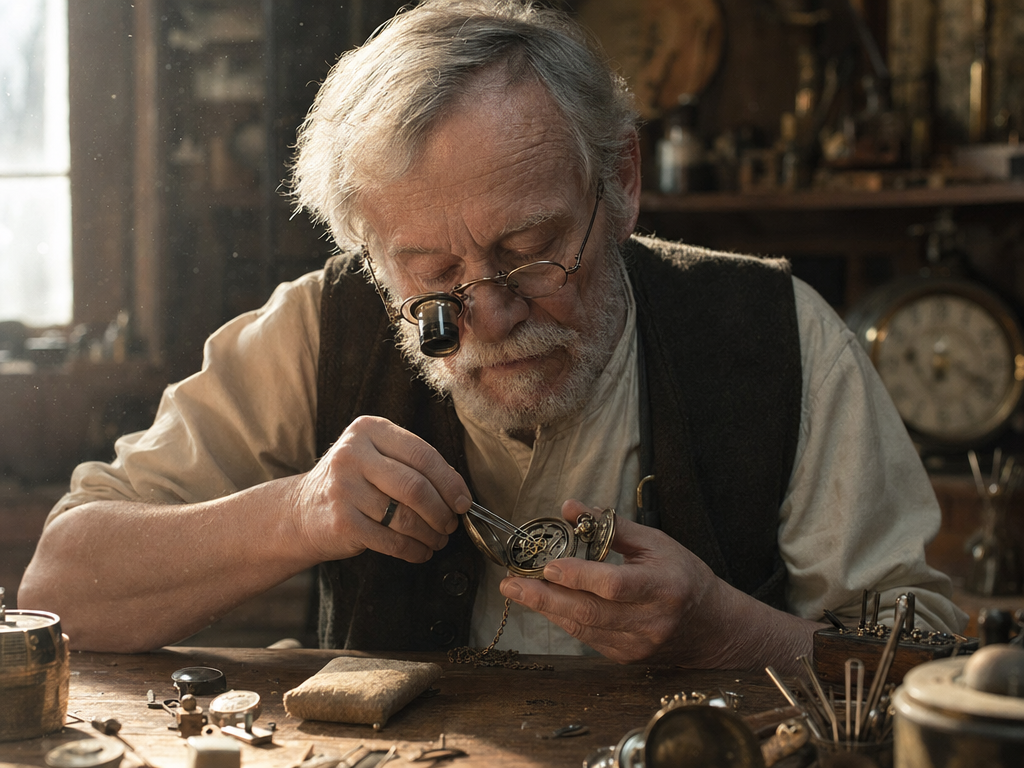
Example 1: The Artisan's Workshop
A close-up portrait of an elderly watchmaker in a dusty, sun-drenched workshop. He is wearing small magnifying spectacles, focusing on an open pocket watch. Floating dust motes are visible in the shafts of light. High-fidelity skin textures, realistic wood grain on the workbench, 85mm lens aesthetic, photorealistic.
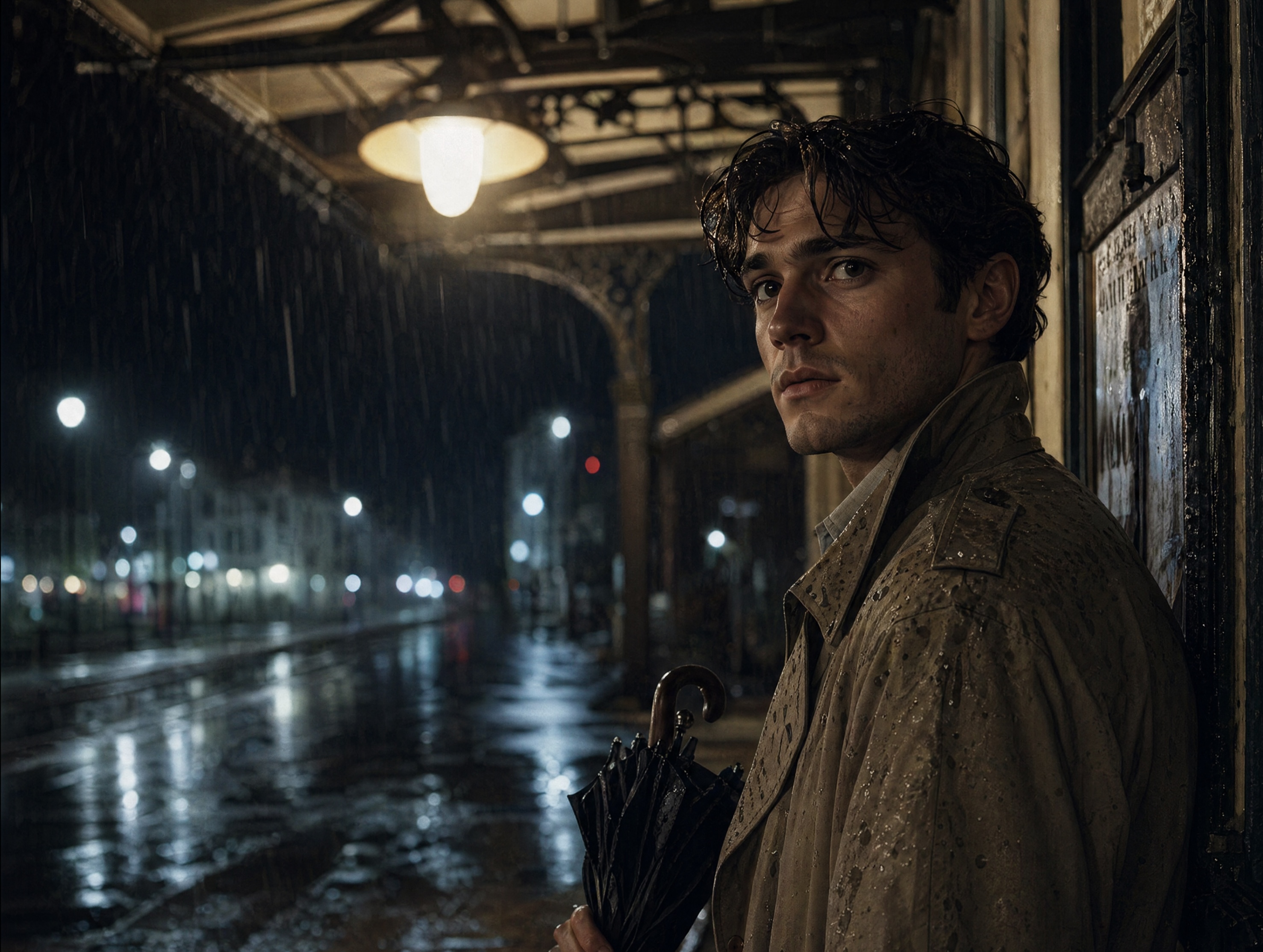
Example 2: The Rainy Night Wait
A candid, photorealistic portrait of a young man standing under the metal awning of an old train station during a heavy rainstorm at night. He is wearing a classic beige trench coat with visible wet patches and holding a folded umbrella. The warm, yellowish light from a nearby streetlamp creates a soft glow on his face, highlighting individual raindrops on his hair. In the background, the blurred, cool-toned lights of a quiet city street and the hazy reflection of puddles on the pavement. 50mm lens, sharp focus on the eyes, natural cinematic lighting.
Example 3: Riverside Hunter
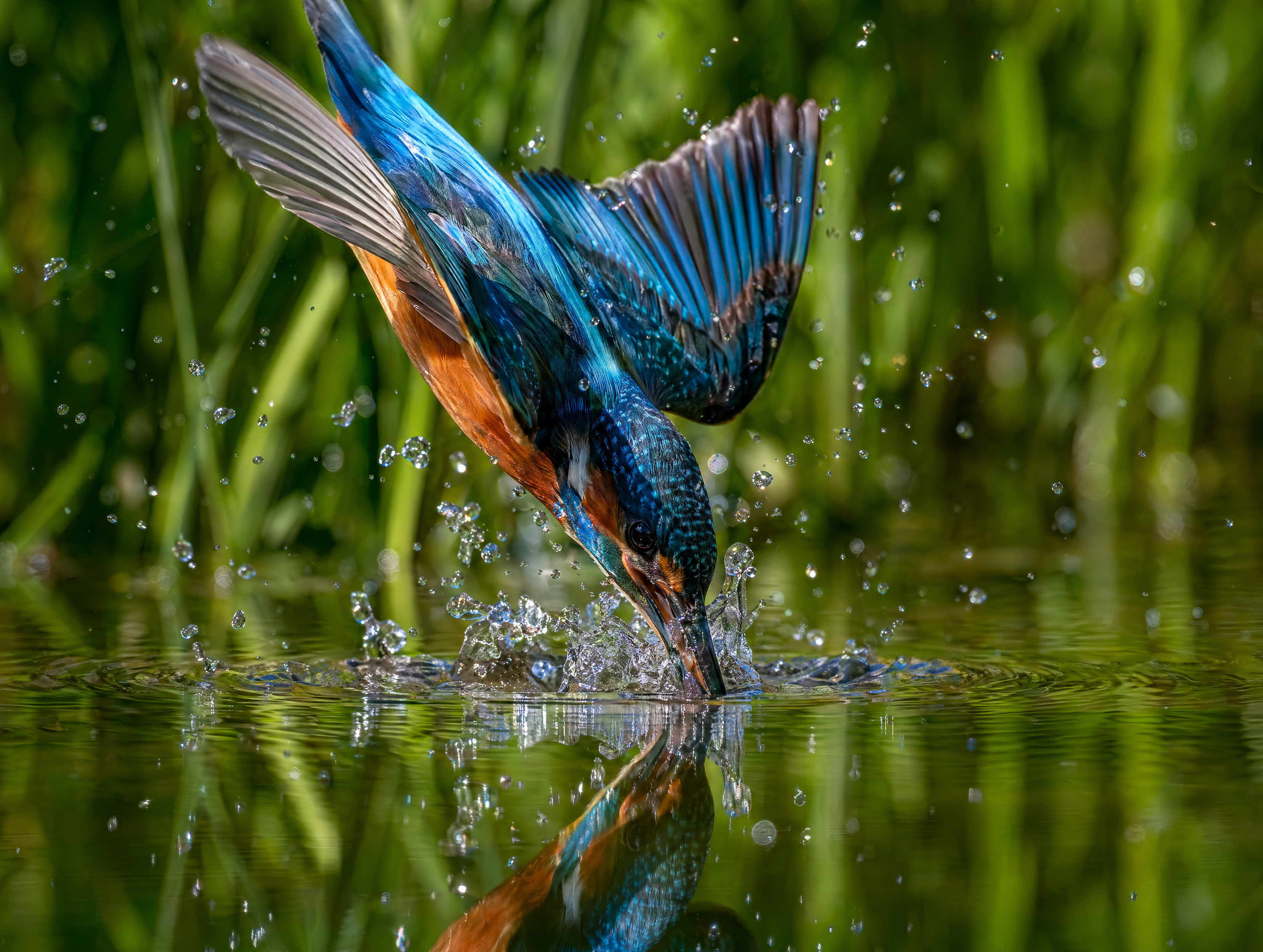
A high-speed macro shot of a bright azure kingfisher just as its beak breaks the surface of a crystal-clear pond. Water droplets are suspended in mid-air like tiny diamonds, creating perfect concentric ripples. The bird's orange underbelly and metallic blue feathers are in sharp, frozen detail against a soft-focus background of lush green reeds. Natural sunlight, extreme detail, photorealistic.
2. Product Photography & Mockups
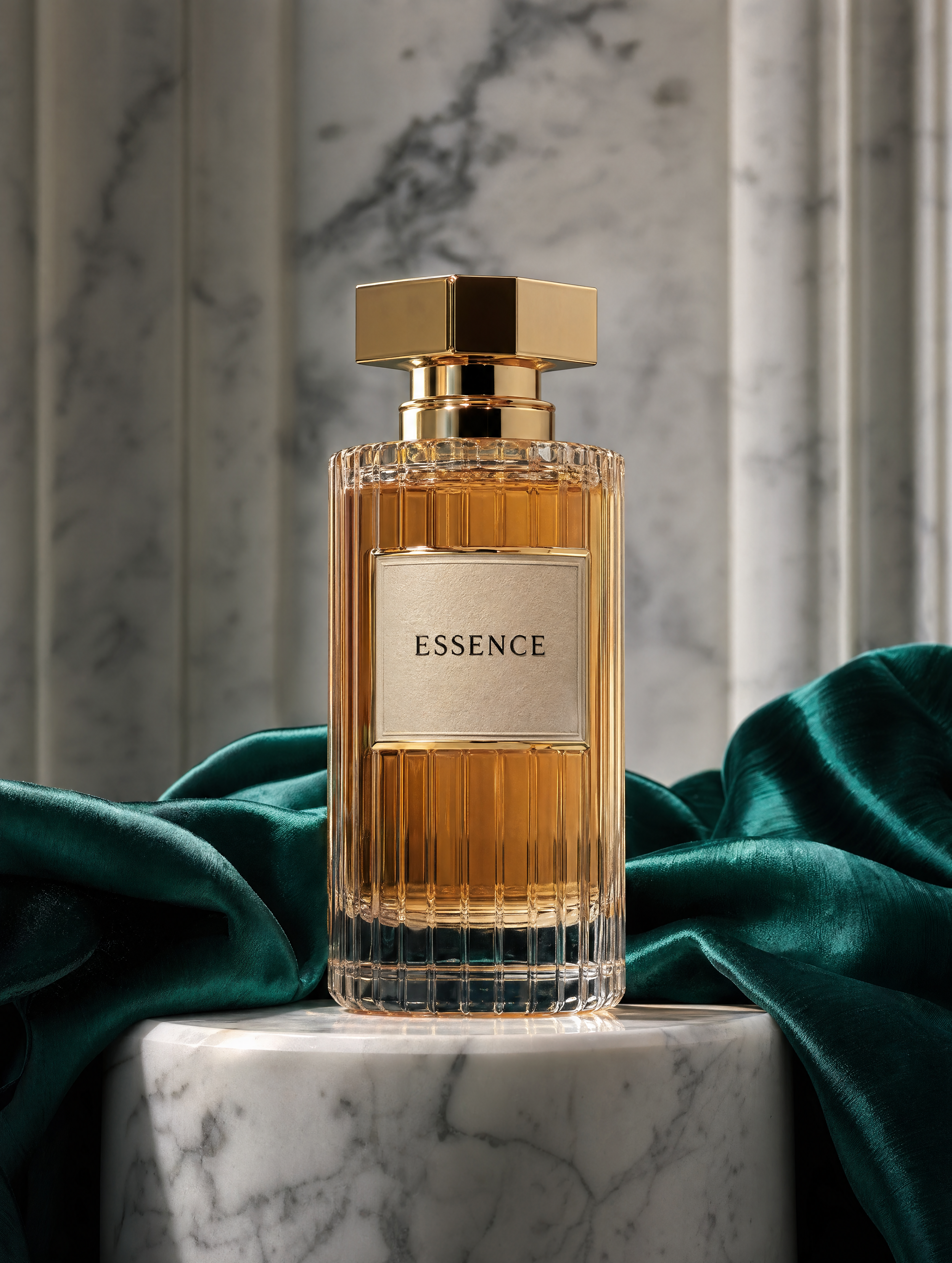
Example 1: Marble Elegance A luxury high-end perfume bottle made of heavy fluted glass, resting on a pedestal of white Carrara marble. A piece of draped emerald silk fabric flows gracefully around the base. Soft, diffused top-down lighting highlights the liquid's amber glow and the crisp gold cap. The label is perfectly legible, featuring the word "ESSENCE" in a refined, embossed black font. Professional product photography aesthetic.
Example 2: Minimalist Home Speaker
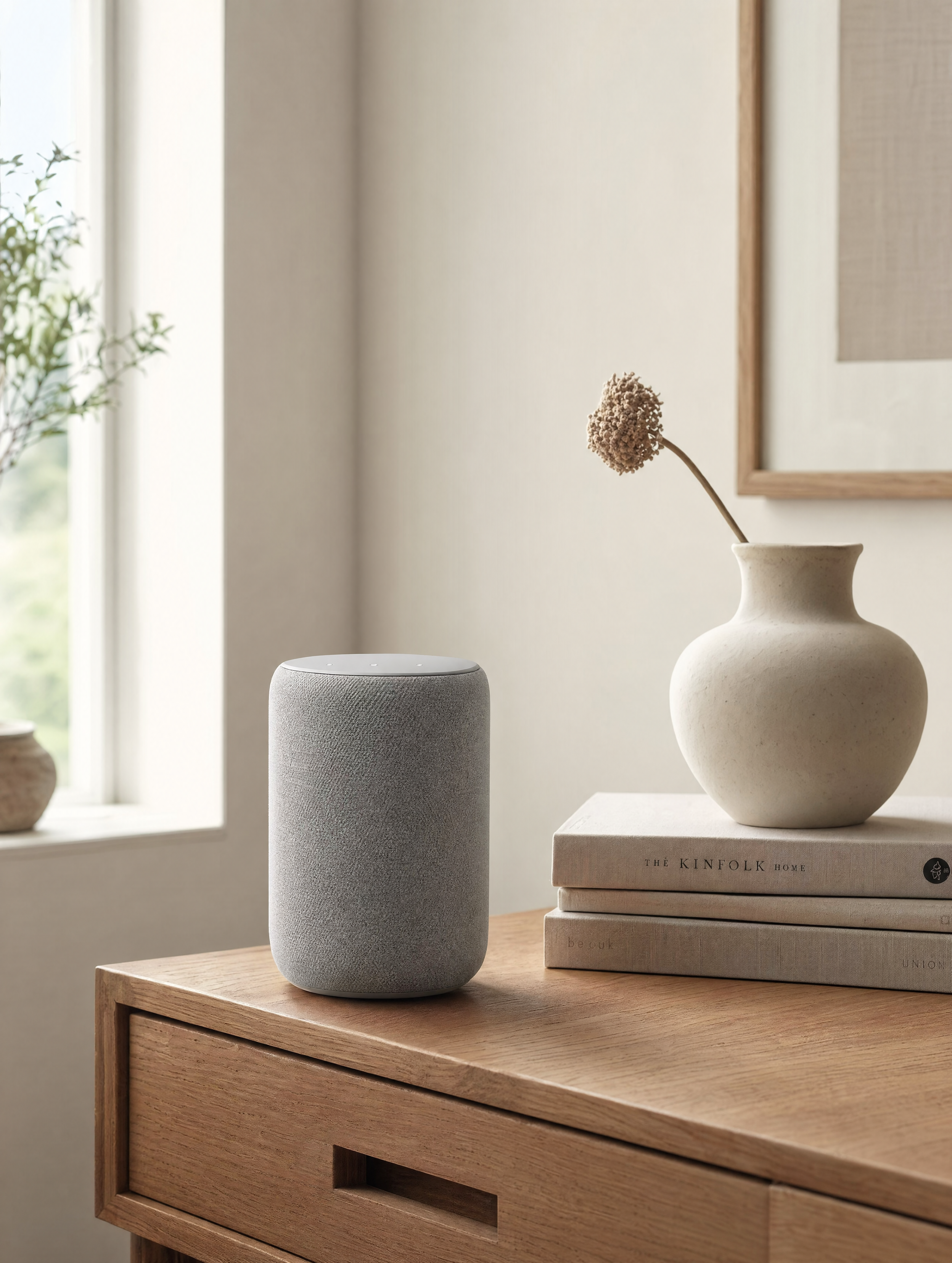
A smart home speaker with a gray woven fabric texture sitting on a solid oak side table. Beside it, a ceramic vase with a single dried flower and a stack of linen-bound books. Clean, airy atmosphere with soft morning light streaming through a nearby window. Professional interior photography style, muted natural tones.
Example 3: Skincare Editorial
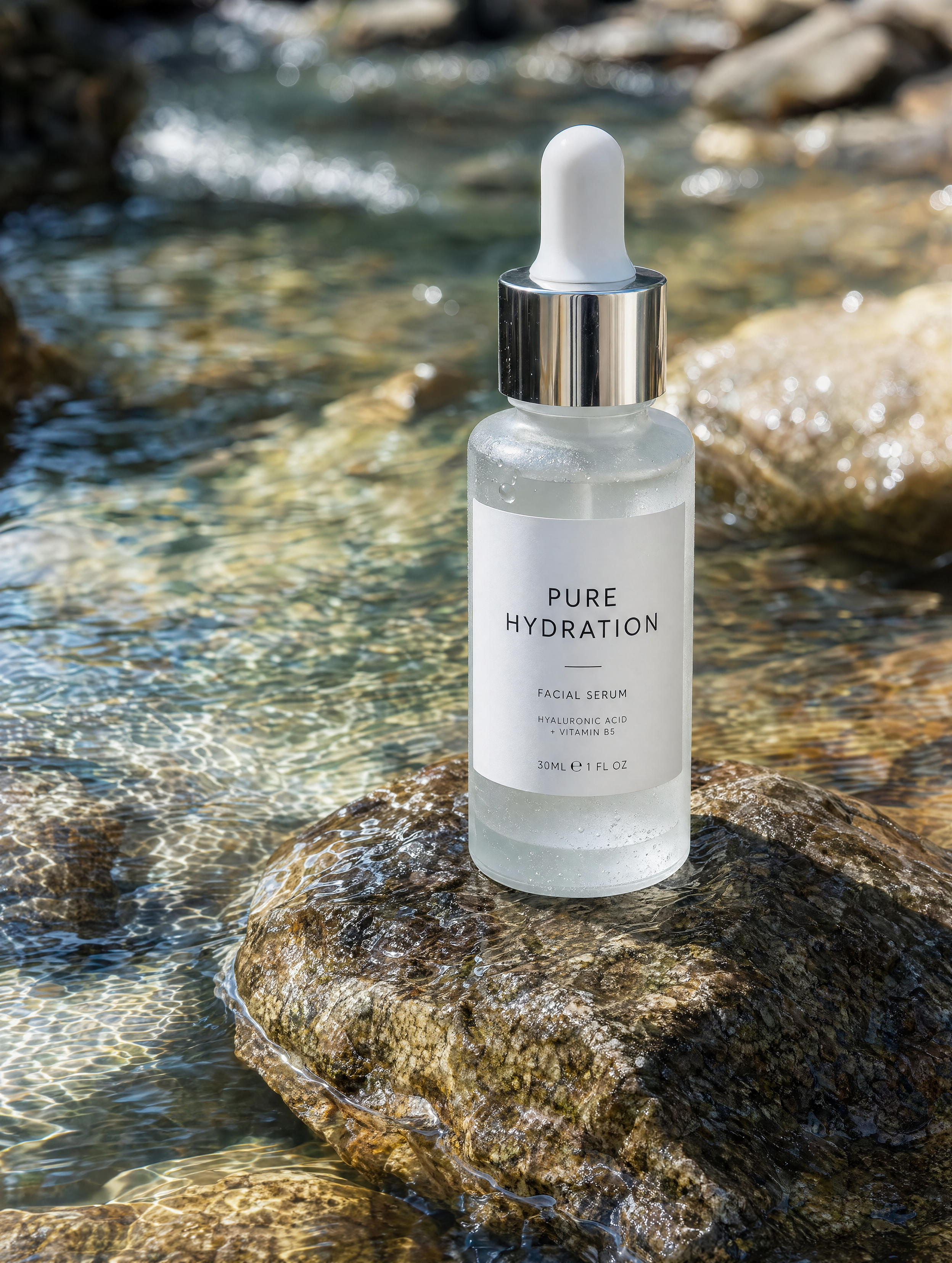
A frosted glass bottle of facial serum standing on a wet stone in the middle of a clear, shallow stream. Sunlight reflects through the water and glass, creating dancing light patterns. The label is crisp and white, featuring the text "PURE HYDRATION" in clean sans-serif typography.
3. Minimalist Logo Generation
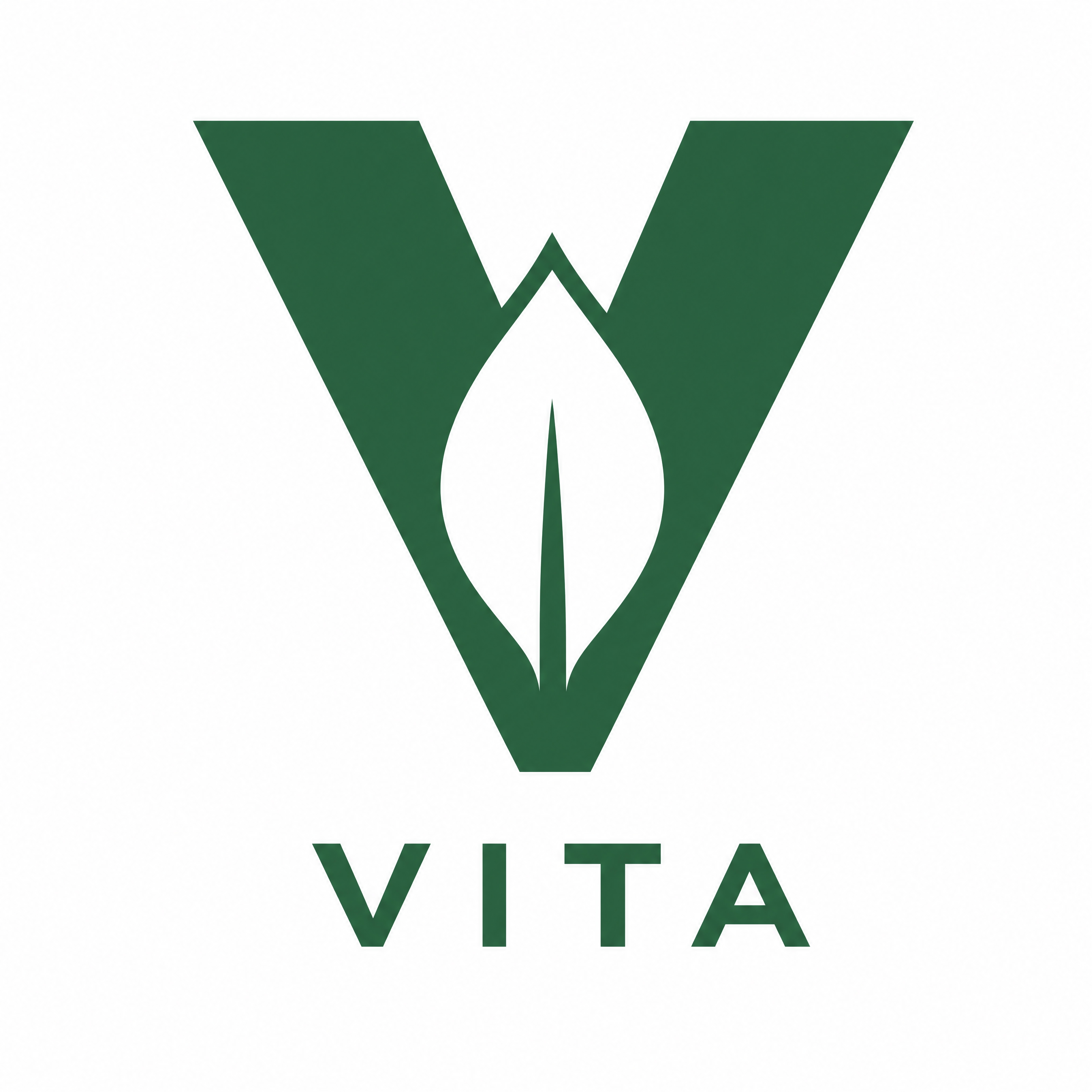
Example 1: Eco-Brand "VITA"
A minimalist vector logo for a sustainable brand called "VITA". The design features a geometric leaf silhouette integrated into the negative space of a bold letter V. Single color, forest green on a white background. Flat design, no shadows, high-contrast.
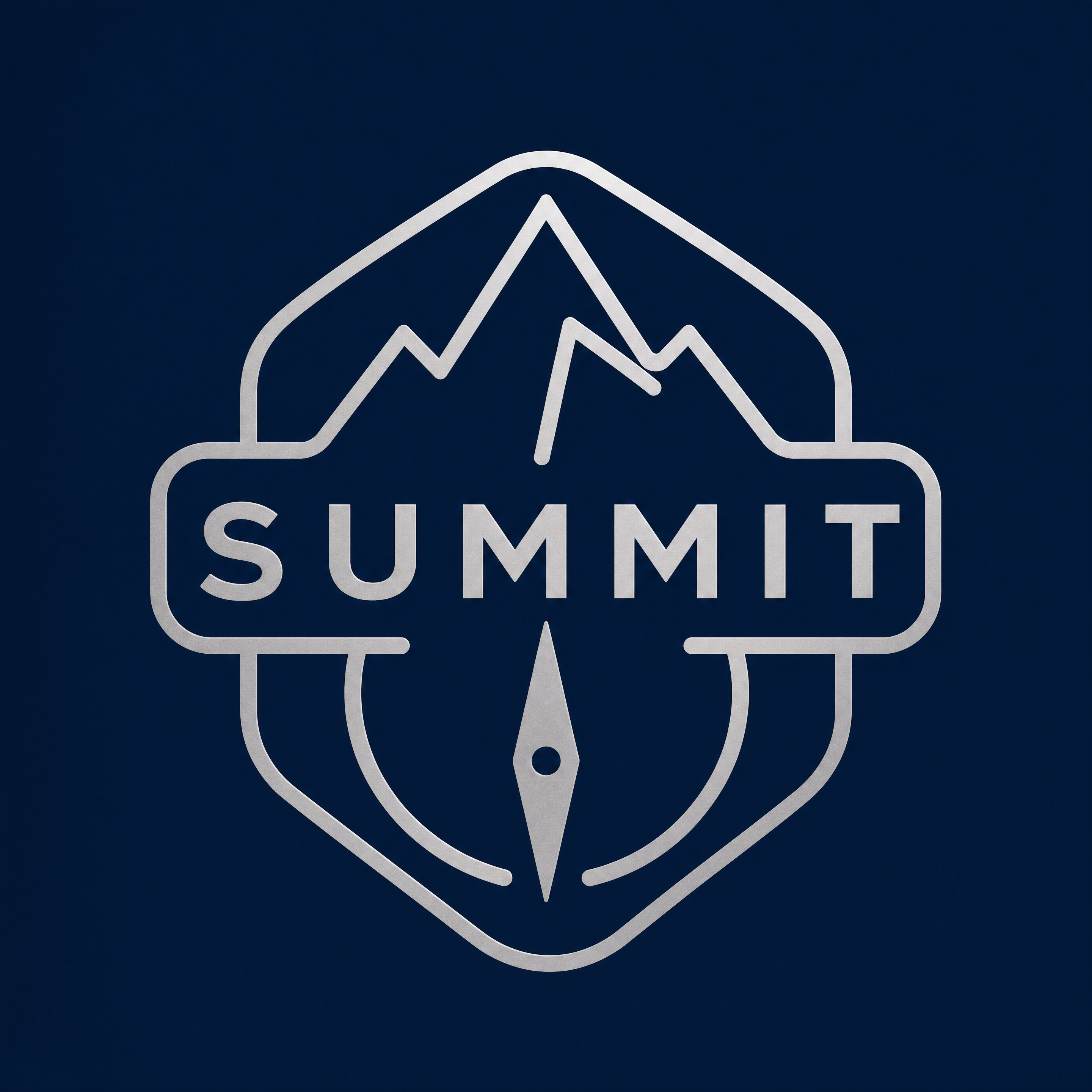
Example 2: Exploration Brand "SUMMIT"
A clean, badge-style logo for an outdoor company named "SUMMIT". A single, continuous line forming a mountain peak and a compass needle. Deep navy blue and silver. Symmetrical, modern aesthetic, scalable for mobile apps.
4. Ad Campaign Creatives
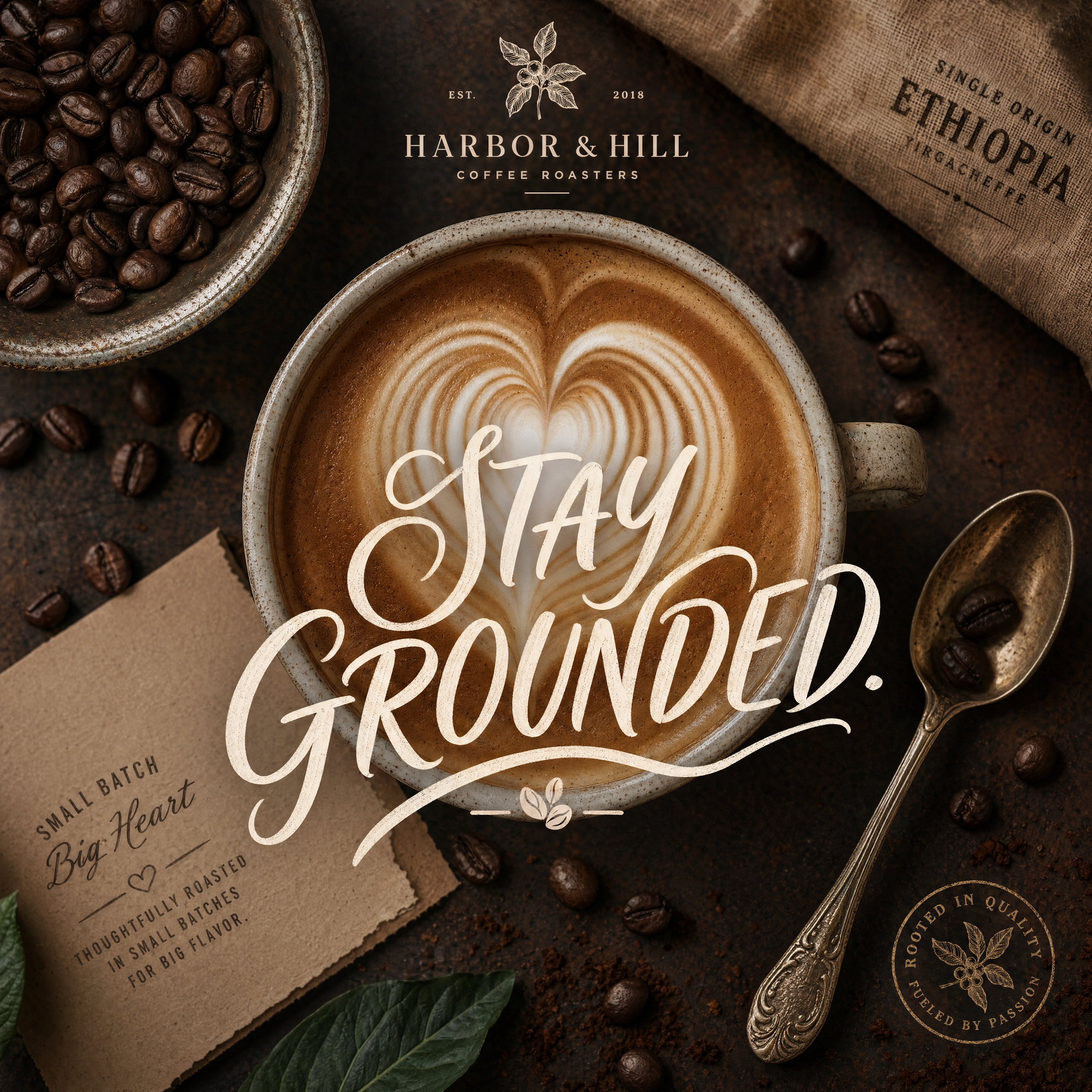
Example 1: Coffee Culture
A square Instagram ad for a boutique roastery. A top-down flat-lay shot of a latte with intricate heart-shaped foam art, surrounded by fresh coffee beans and a vintage spoon. Headline: "STAY GROUNDED." written in elegant, hand-lettered script across the center.
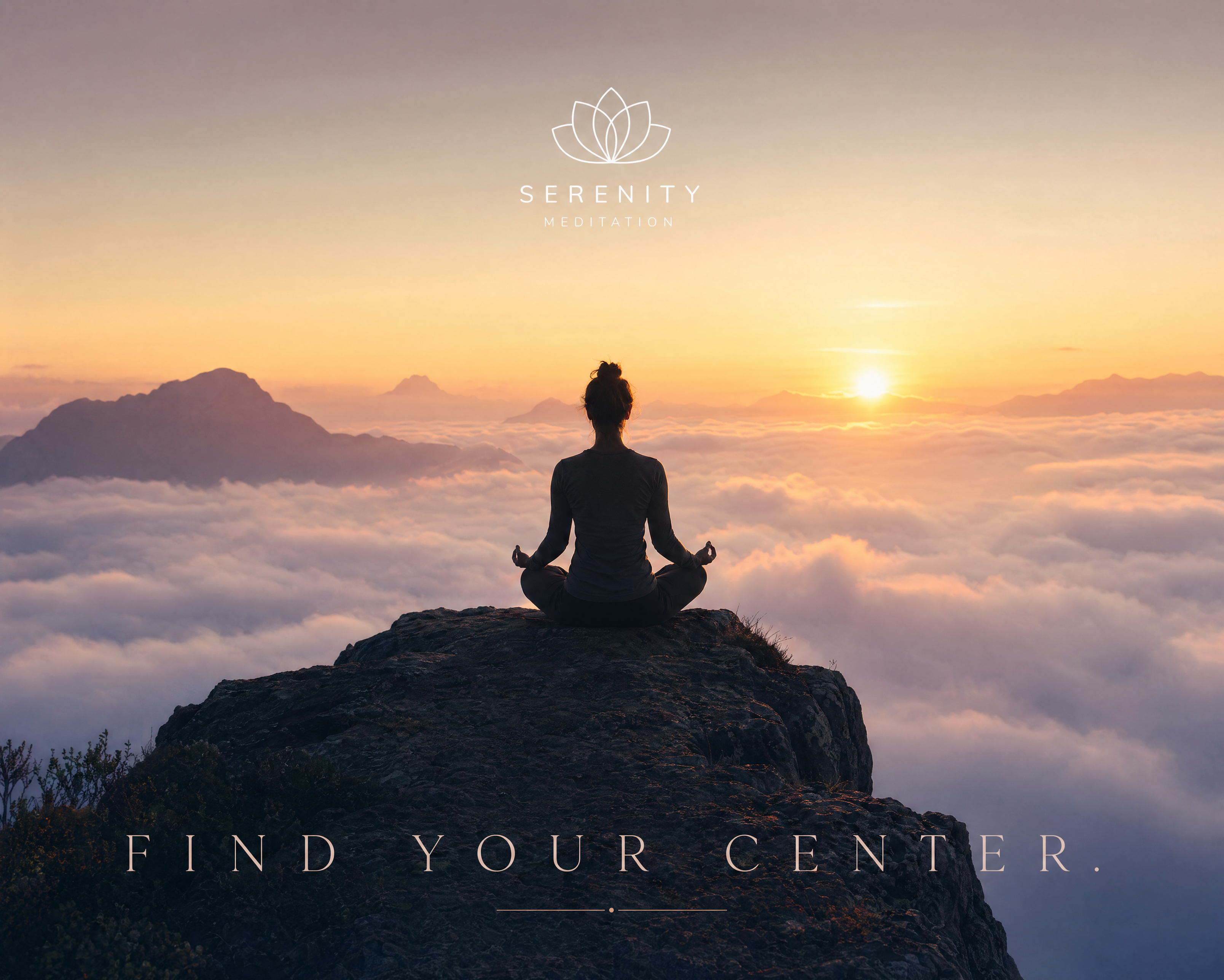
Example 2: Wellness & Mindfulness
A peaceful ad for a meditation app. A silhouette of a person sitting in a lotus position on a cliff edge overlooking a sea of clouds at sunrise. Tagline at the bottom: "FIND YOUR CENTER." in thin, spaced-out serif text. Calm and spiritual atmosphere.
5. Infographics & Data Visuals
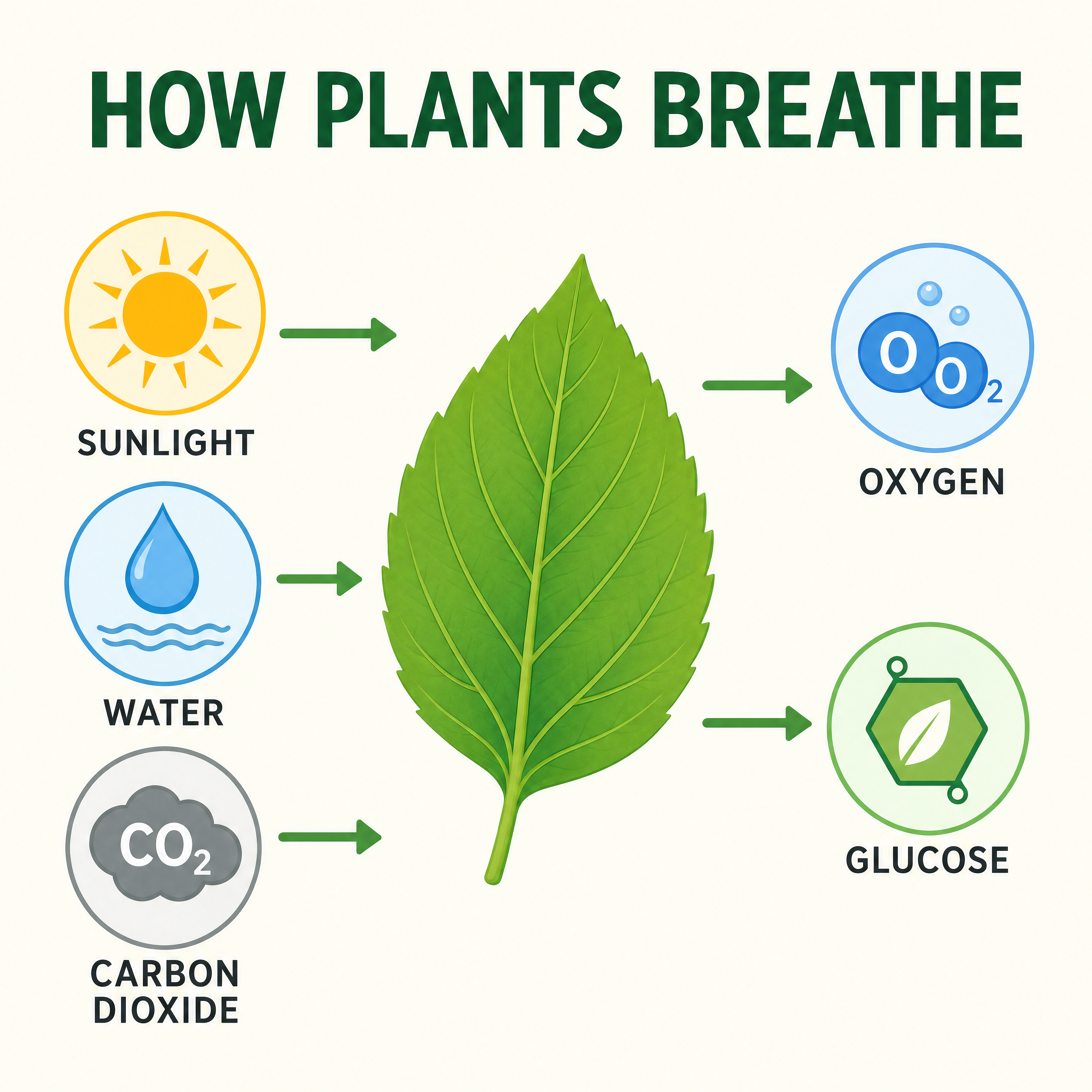
Example 1: The Photosynthesis Process
A clean, educational infographic titled "HOW PLANTS BREATHE". A horizontal flow showing Sunlight, Water, and Carbon Dioxide entering a green leaf, with Oxygen and Glucose exiting. Each step is represented by a simple flat icon and clear, legible sans-serif labels.
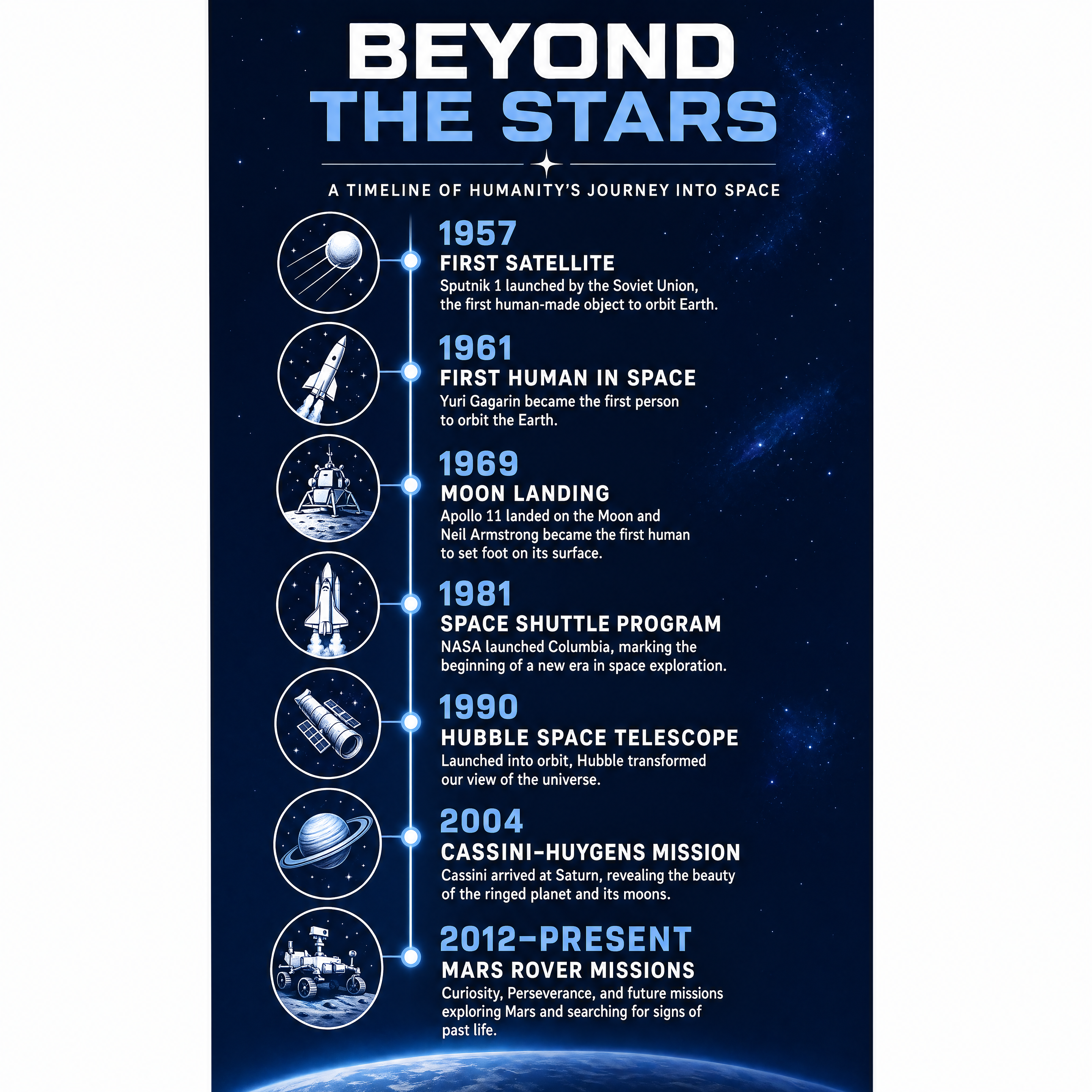
Example 2: Space Exploration Timeline
A vertical timeline infographic titled "BEYOND THE STARS". Marking major milestones from the first satellite to the Mars Rover missions. Each date is accompanied by a minimalist icon of a rocket or planet. High-contrast blue and white color scheme.
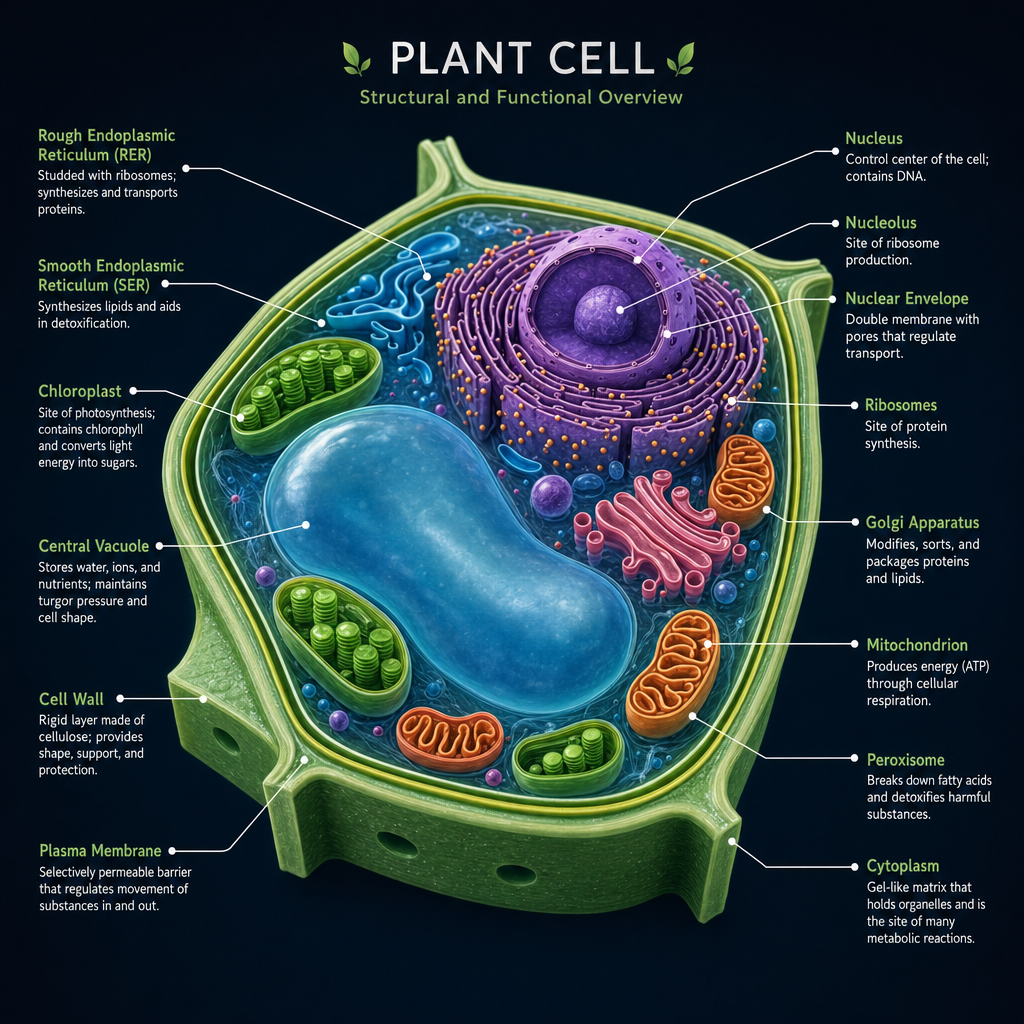
Example 3: Cellular Biology
A detailed 3D diagram of a plant cell on a dark background. Major organelles like the nucleus, chloroplasts, and cell wall are highlighted with soft, glowing colors and thin white pointer lines with legible labels. Clean, professional textbook aesthetic.
Getting Started with GPT Image 2
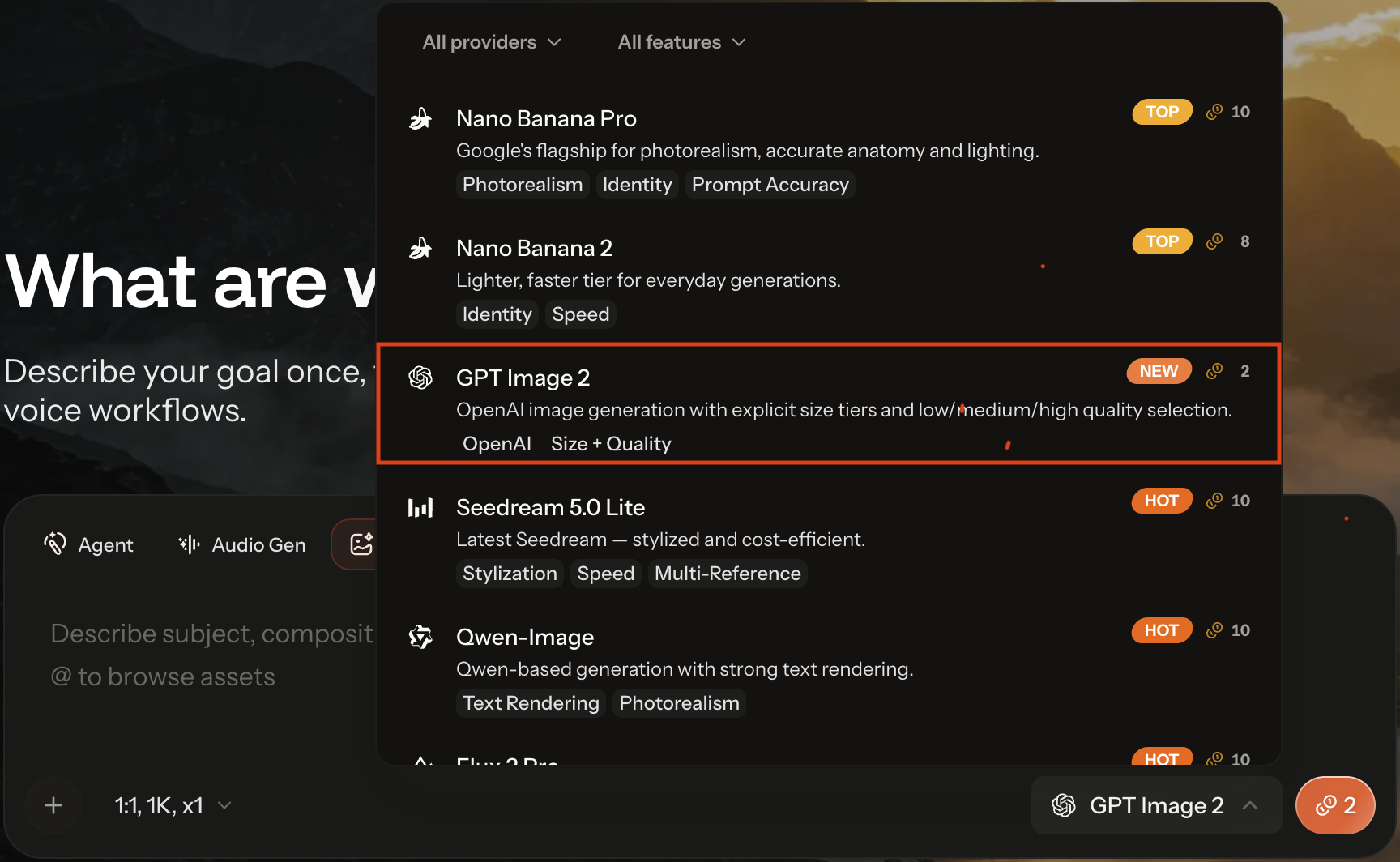
GPT Image 2 is now available to all users on the Thank You AI platform. You can access the new model through our standard generation interface by selecting the engine from the model settings.
- Try it now: GPT Image 2 on THANKYOU AI
Community Co-Creation: Showcase Your Work, Earn Rewards
The most exciting creations come from our community. To celebrate the launch of GPT Image 2, we're inviting creators worldwide to share their work and earn recognition for outstanding pieces.
How to Participate
- Generate your image using GPT Image 2 on Thank You AI.
- Share your creation on social media (X/Twitter, Instagram, TikTok, or YouTube).
- Tag @ThankYouAI and include the hashtag #GPTImage2Showcase.
- Send the link to your work to [email protected] so our team can review it directly.
- Our team reviews submissions weekly and selects standout works for features.
We can't wait to see what you create. Tag us, inspire others, and help shape the next chapter of AI-driven storytelling.
Featured Creator Rewards
- Bonus Generation Credits: Top creators receive credit packs to fuel their next projects.
- Official Spotlight: Featured works are reposted across our official channels and highlighted in our monthly Creator Gallery.
- Early Access: Standout contributors gain priority access to upcoming model releases and exclusive beta features.
- Pro Creator Program: Consistent top performers may be invited into our long-term collaboration program, with co-marketing opportunities and dedicated support.
Redefining the Future of Content Creation
The launch of GPT Image 2 is a major milestone in our mission to democratize professional-grade creation. We believe this tool will empower designers and creators to tell their stories without technical limitations.
Frequently asked questions
Frank is a growth-focused operations and marketing professional with expertise in product data engineering. He specializes in turning user insights into scalable growth strategies. At THANKYOU AI, he leads operations, marketing, and growth efforts, leveraging data to shape product decisions and connect innovation with the audiences that need it most.